Remove Background
Use AI to intelligently remove image background, keeping only the subject
Click to select from Library
Choose from your generated images
Sign in to process images
No image processed yet
Select an image and click "Process Image"

How does background removal work?
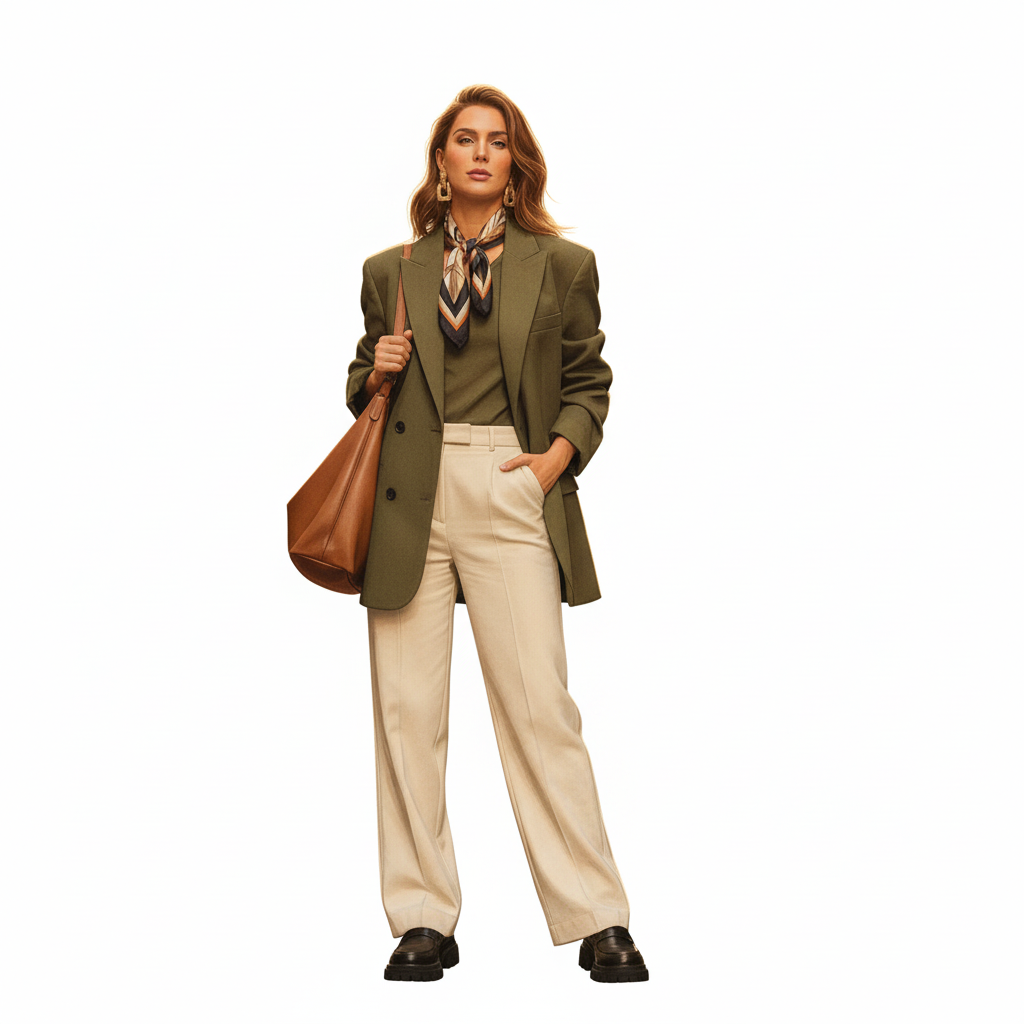
Our AI uses advanced edge detection and segmentation algorithms to identify and separate the subject from the background. The AI analyzes the image to create precise cutouts with clean edges.
What types of images work best?
Images with clear subjects and contrasting backgrounds work best. Product photos, portraits, and images with well-defined edges produce the most accurate results.
Can I remove backgrounds from complex images?
Yes, our AI handles complex backgrounds including hair, fur, transparent objects, and intricate details. Results may vary depending on image quality and complexity.
What image formats are supported?
We support PNG, JPG, and WebP formats. PNG format is recommended for transparent backgrounds. Images up to 10MB can be processed.
How long does background removal take?
Typically 5-15 seconds, depending on image size and complexity. Larger images may take slightly longer.
Can I use the processed images commercially?
Commercial usage rights are available with Basic and Pro plans. Free plan images include watermarks and cannot be used commercially.
AI Background Remover Tool
Remove backgrounds from images instantly with our AI-powered background remover. Extract subjects cleanly with precision edge detection. Perfect for product photos, portraits, graphics, and social media content. No manual editing required. Our advanced AI technology handles complex edges including hair, fur, and transparent objects. Supports PNG, JPG, and WebP formats with transparent background output.
How to Use Background Remover
Using our background remover is simple. Upload an image from your library or computer, then click the process button. Our AI will automatically detect the subject and remove the background, creating a clean cutout with transparent background. The process typically takes 5-15 seconds.
Best Practices
- •Use images with clear subjects and contrasting backgrounds
- •Higher resolution images produce better edge quality
- •Download as PNG for transparent backgrounds
- •Works best with well-lit, in-focus photos
- •For complex images, results may need minor touch-ups
Perfect For
E-commerce & Product Photos
Create professional product photos with transparent backgrounds for online stores, catalogs, and marketing materials.
Social Media & Content
Remove backgrounds from photos for social media posts, profile pictures, and creative content. Stand out with clean, professional images.
Design & Graphics
Extract subjects for graphic design projects, presentations, and creative work. Perfect for compositing and design workflows.