Image to Image
Transform your images with AI-powered editing using text prompts
Click to select from Library
Choose from your generated images (max 5 images)
Sign in to generate images
No image generated yet
Upload an image, enter a prompt, and click "Generate Image"
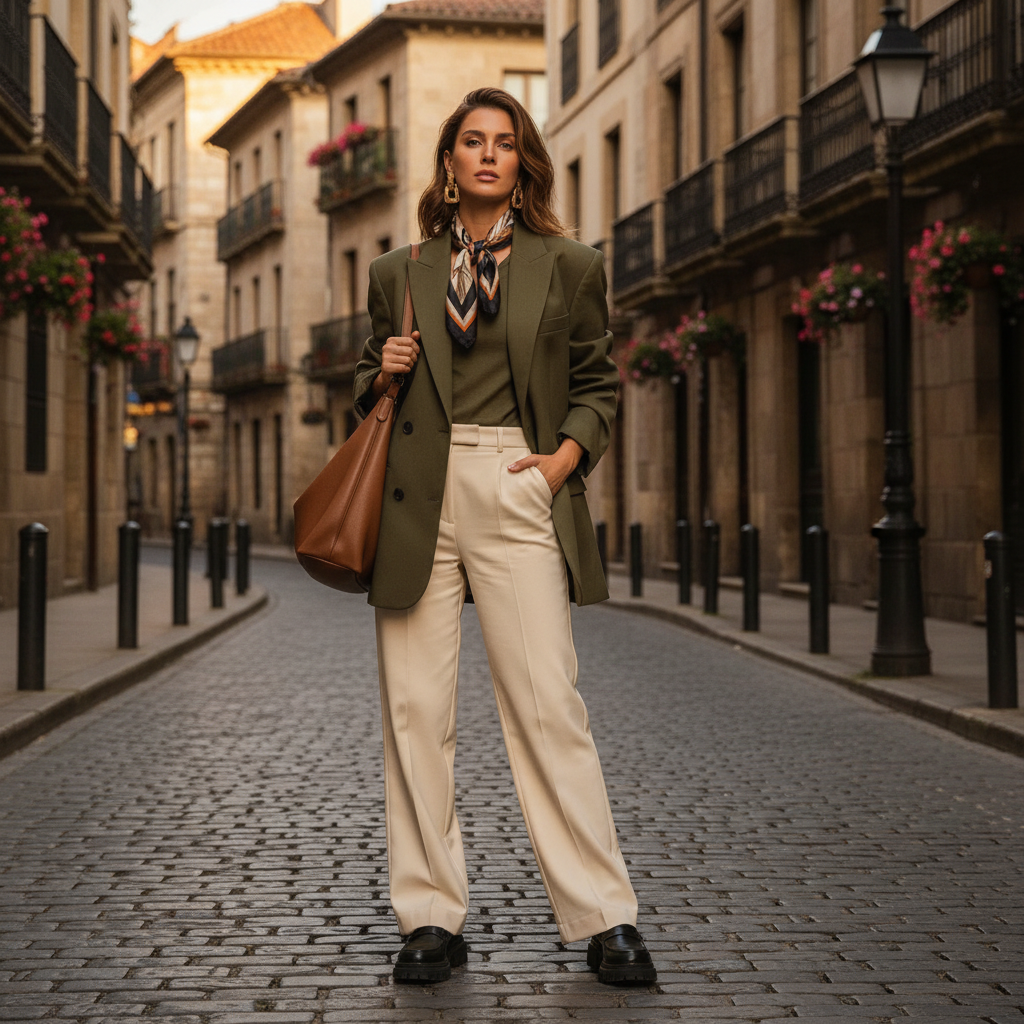
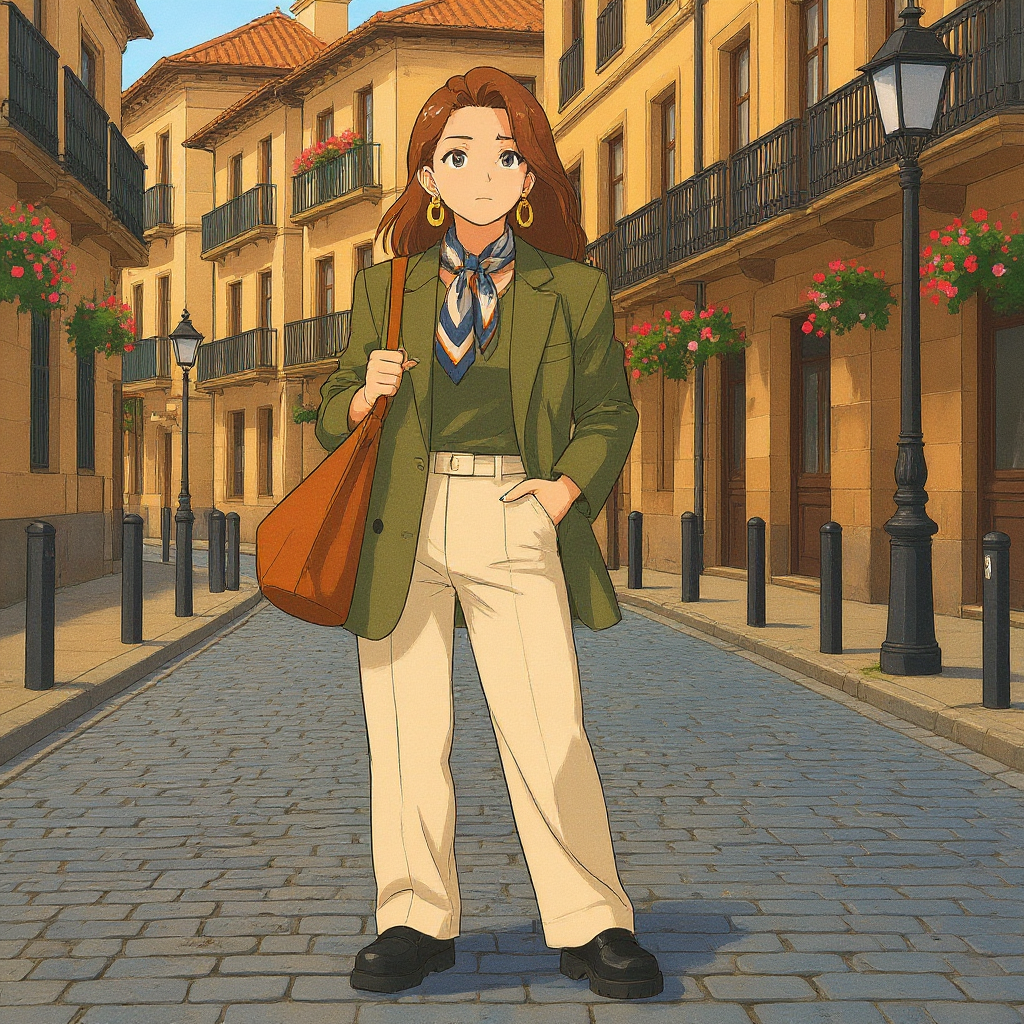
How does Image to Image work?
Upload an image and provide a text description. Our AI will transform your image based on the prompt while preserving the original composition and style.
What image formats are supported?
We support common image formats including JPG, PNG, and WebP. Maximum file size is 10MB.
How long does it take to generate an image?
Typically 10-30 seconds, depending on the complexity of your prompt and server load.
Can I use the generated images commercially?
Commercial usage rights are available with Basic and Pro plans. Free plan images include watermarks and cannot be used commercially.
What image sizes are supported?
Flux Kontext Pro supports custom image sizes. Nano Banana uses the original image dimensions.
Image to Image AI Editor
Transform your images with our powerful Image to Image AI tool. Upload any image and describe the changes you want using natural language. Our AI understands your intent and applies transformations while preserving the original composition and style.
How to Use Image to Image
Start by uploading an image (up to 10MB). Then, describe the changes you want in the prompt field. Select your preferred AI model and click generate. Our AI will transform your image based on your description.
Best Practices
- •Be specific about the changes you want
- •Describe style, colors, mood, or composition changes
- •Use high-quality source images for best results
- •Experiment with different prompts to find the perfect result