AI Colorize
Use AI to convert B&W photos to color with natural coloring
Click to select from Library
Choose from your generated images
Sign in to process images
No image colorized yet
Select a black and white photo and click "Colorize Image"
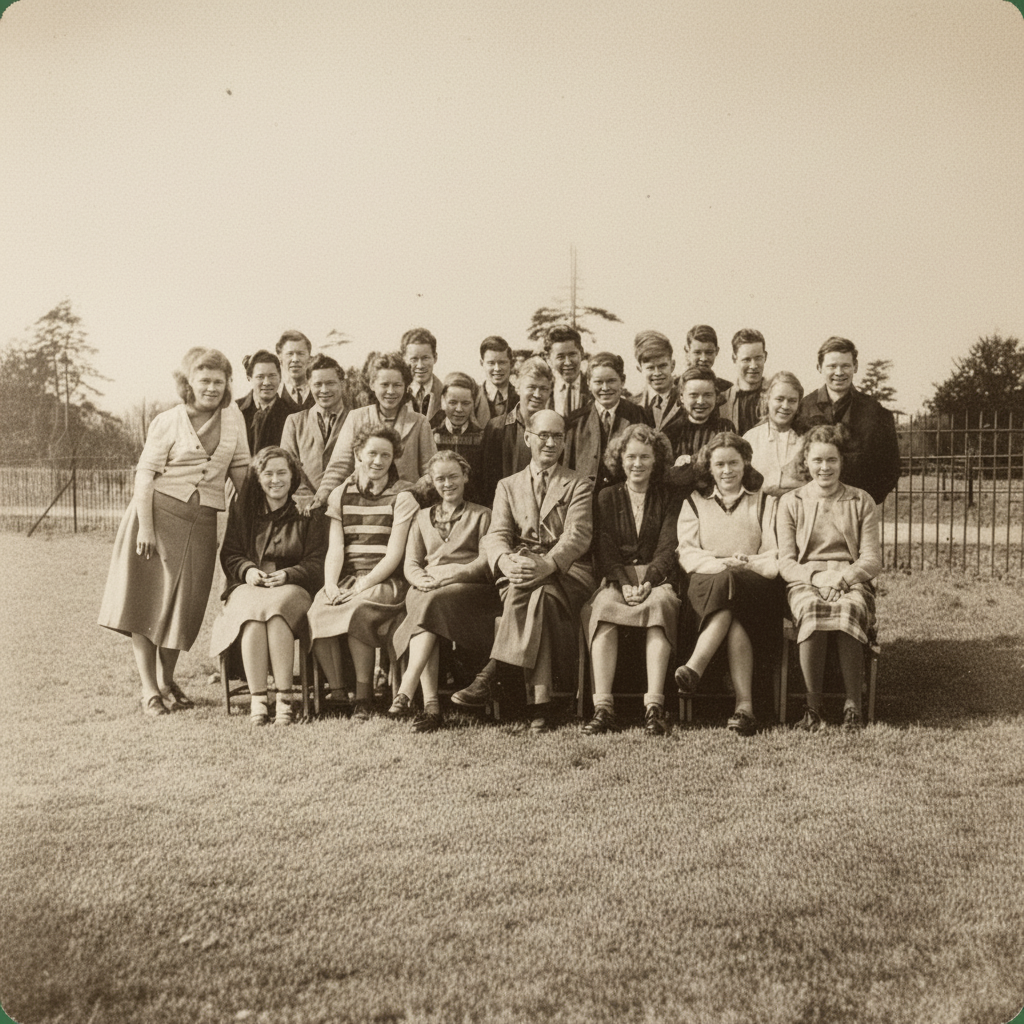
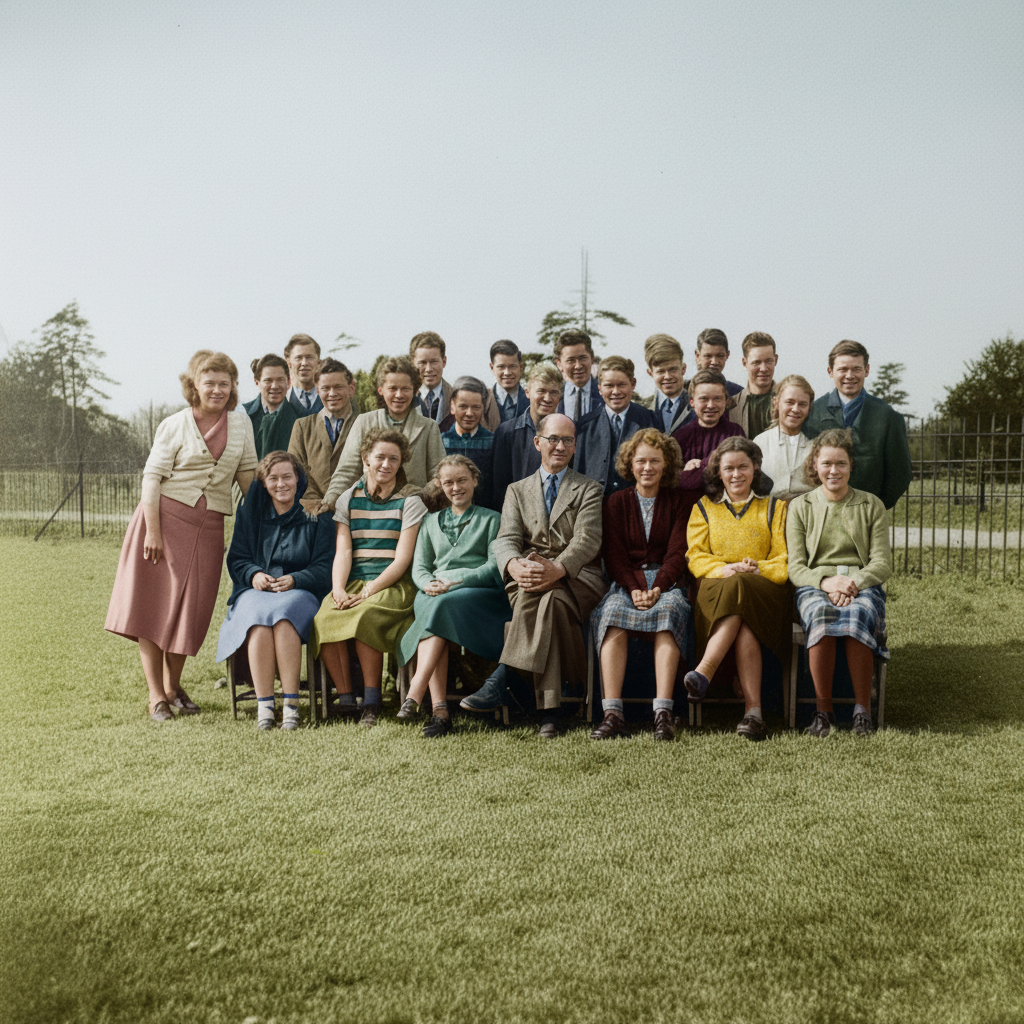
How does AI Colorize work?
Our AI analyzes black and white photos and intelligently adds realistic, natural colors based on historical context, common color patterns, and image content. The AI understands different materials, skin tones, and environments to create authentic colorization.
What types of photos work best?
Black and white photos with good contrast and clear details work best. Old family photos, historical images, portraits, and landscape photos all colorize beautifully. Very faded or damaged photos may need restoration first.
How accurate are the colors?
The AI uses advanced algorithms to predict realistic colors based on context. While colors are historically plausible, they are AI-generated estimates. For historical accuracy, you may want to verify specific details.
Can I use colorized photos commercially?
Commercial usage rights are available with Basic and Pro plans. Free plan images include watermarks and cannot be used commercially.
What image formats are supported?
We support PNG, JPG, and WebP formats. Images up to 10MB can be processed. Higher resolution images produce better results.
How long does colorization take?
Typically 10-30 seconds, depending on image size and complexity. Larger or more detailed images may take slightly longer.
AI Photo Colorization Tool
Transform your black and white photos into vibrant, realistic color images using advanced artificial intelligence. Our AI Colorize tool analyzes your monochrome photos and intelligently adds natural colors to skin tones, clothing, backgrounds, and all elements while maintaining historical accuracy and authentic atmosphere. Perfect for restoring family photos, bringing historical images to life, and preserving precious memories in full color.
How to Use AI Colorize
Using our AI Colorize tool is simple. Upload a black and white photo from your library or computer, then click the colorize button. Our AI will analyze the image and add realistic colors automatically. The process typically takes 10-30 seconds, and you'll receive a beautifully colorized version of your photo.
Best Practices
- •Use high-quality, clear black and white photos for best results
- •Photos with good contrast and details colorize more accurately
- •For very faded photos, consider using AI Photo Restoration first
- •Portraits, landscapes, and family photos work exceptionally well
- •Download high-resolution versions for printing and sharing
Perfect For
Family Photo Restoration
Bring old family photos to life with realistic colors. Preserve precious memories and share them with future generations in full color.
Historical Images
Colorize historical photographs and documents. See the past in a new light with authentic, AI-generated colors that match the era.
Creative Projects
Use colorized photos in art projects, presentations, and creative work. Transform monochrome images into vibrant visual content.