AI Photo Restoration
Use AI to restore old photos, remove scratches, dust and damage
Click to select from Library
Choose from your generated images
Sign in to process images
No image processed yet
Select an image and click "Restore Photo"
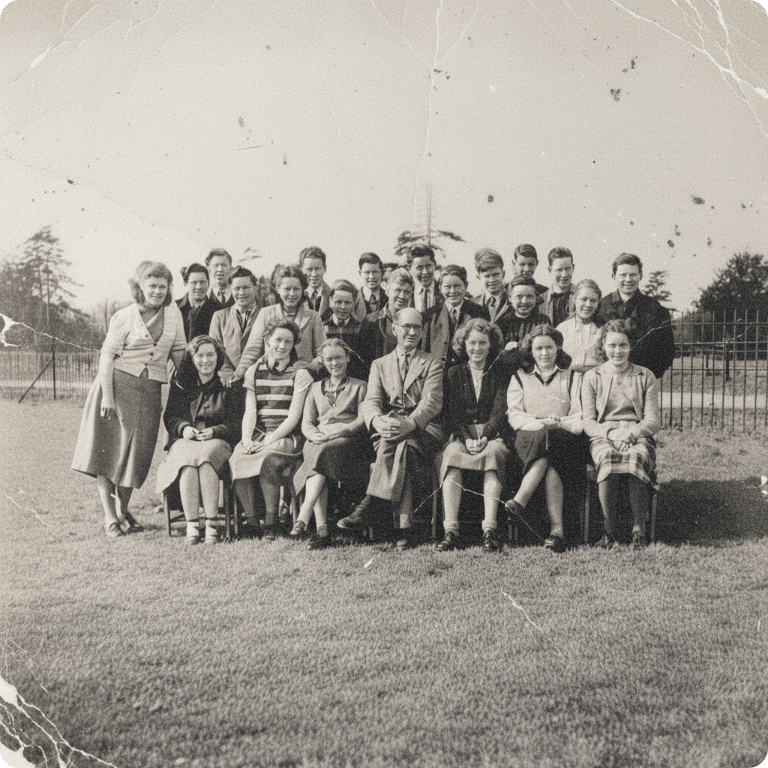
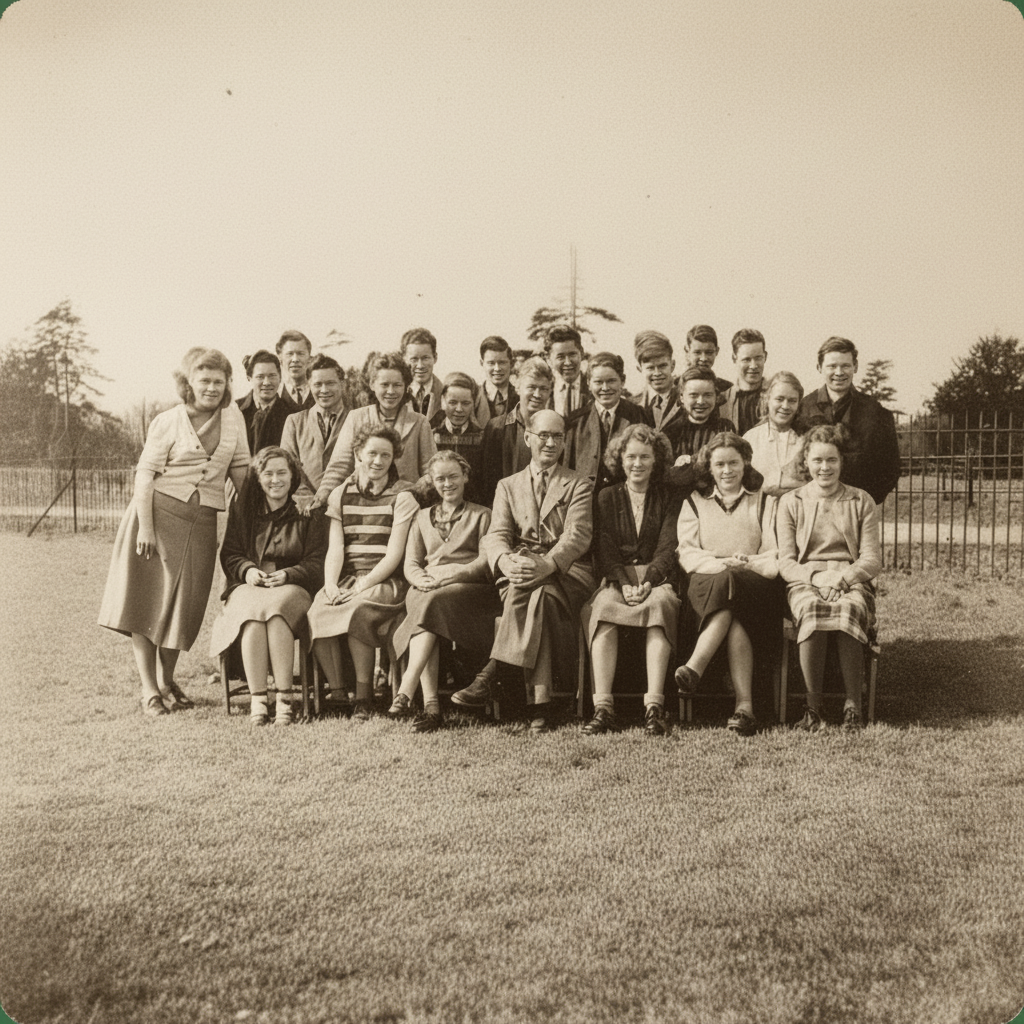
How does photo restoration work?
Our AI uses advanced image processing to detect and repair damage including scratches, dust, stains, tears, cracks, and discoloration. The AI analyzes surrounding pixels to intelligently fill in damaged areas while preserving the authentic vintage look.
What types of damage can be restored?
Our tool can restore scratches, dust spots, stains, tears, cracks, faded colors, discoloration, and general wear. Very severe damage may require multiple restoration passes.
Will restoration change the vintage look?
No, our AI is designed to preserve the authentic vintage appearance while repairing damage. The restored photo maintains its historical character and atmosphere.
What image formats are supported?
We support PNG, JPG, and WebP formats. Images up to 10MB can be processed. Higher resolution scans produce better restoration results.
How long does restoration take?
Typically 15-45 seconds, depending on image size, damage complexity, and server load. Heavily damaged photos may take longer.
Can I use restored photos commercially?
Commercial usage rights are available with Basic and Pro plans. Free plan images include watermarks and cannot be used commercially.
AI Photo Restoration Tool
Restore old, damaged, and faded photos using advanced AI technology. Remove scratches, dust, stains, tears, and cracks. Repair faded colors, fix discoloration, and enhance clarity while preserving the authentic vintage look. Perfect for restoring family photos, historical images, and precious memories. Professional-quality restoration in minutes. Our AI understands historical context to maintain authentic appearance while repairing damage.
How to Use Photo Restoration
Upload a damaged or old photo from your library or computer, then click the restore button. Our AI will automatically detect and repair damage, enhance colors, and restore clarity. The process typically takes 15-45 seconds depending on damage complexity.
Best Practices
- •Scan photos at high resolution (300+ DPI) for best results
- •PNG format preserves restoration quality better
- •For very faded photos, consider using AI Colorize after restoration
- •Heavily damaged photos may need multiple restoration passes
- •Download high-resolution versions for printing and archiving
Perfect For
Family Photo Restoration
Restore precious family photos and memories. Repair damage and bring old photos back to life for future generations.
Historical Preservation
Restore historical photographs and documents. Preserve important images while maintaining their authentic vintage appearance.
Archival & Collections
Restore photos in collections and archives. Digitize and preserve old photographs for long-term storage and sharing.