AI Image Extender
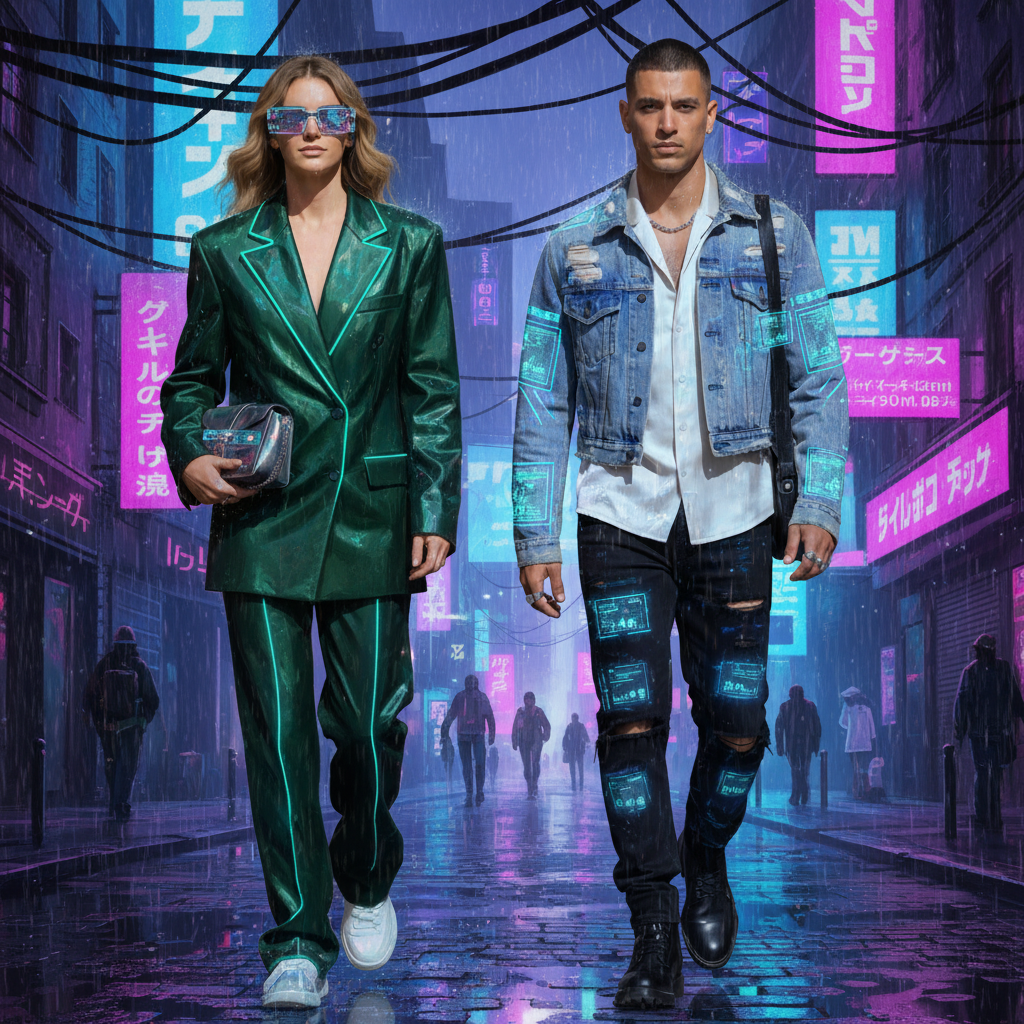
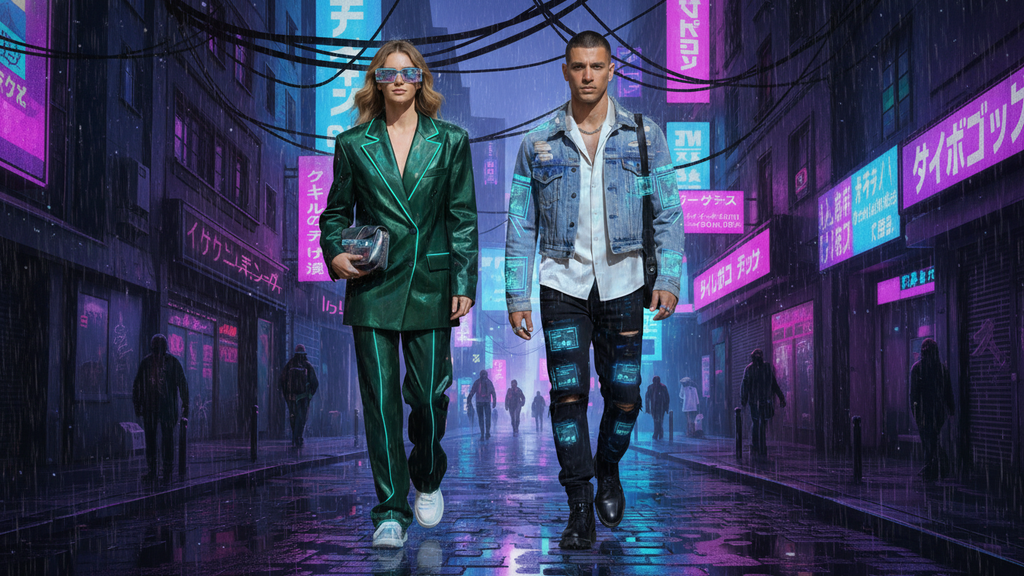
Expand and resize your images to any aspect ratio effortlessly. Our AI intelligently extends the background while preserving the original content.
No image processed yet
Select an image and click "Extend Image"
How does AI image extension work?
Our AI analyzes your image and intelligently extends the canvas outward on all sides, adding new background content that seamlessly matches the original image's style, lighting, colors, and perspective. The original content remains unchanged and centered.
What aspect ratios are supported?
We support 7 different aspect ratios: 1:1 (square), 3:4 (portrait), 4:3 (landscape), 9:16 (vertical), 16:9 (widescreen), 9:21 (ultra-vertical), and 21:9 (ultra-widescreen). You can choose the ratio that best fits your needs.
Will the original image content be changed?
No, the original image content remains exactly the same. Our AI only extends the canvas by adding new background content around the edges, keeping your original subject and composition intact.
What image formats are supported?
We support PNG, JPG, and WebP formats. Images up to 10MB can be processed. PNG format preserves quality best for extension.
How long does image extension take?
Typically 15-45 seconds, depending on image size, complexity, and the target aspect ratio. Larger extensions may take slightly longer.
Can I use extended images commercially?
Commercial usage rights are available with Basic and Pro plans. Free plan images include watermarks and cannot be used commercially.
AI Image Extender Tool
Expand and resize your images to any aspect ratio effortlessly with AI-powered image extension. Our AI intelligently extends the canvas outward on all sides, seamlessly adding new background content that matches your original image's style, lighting, colors, and perspective. Perfect for adapting images to different social media formats, presentations, or design requirements. The original content remains unchanged and centered, while the background is naturally extended to match your chosen aspect ratio.
How to Use AI Image Extender
Upload an image from your library or computer, select your desired aspect ratio, then click the extend button. Our AI will automatically analyze your image and extend the canvas outward, adding seamless background content. The process typically takes 15-45 seconds.
Best Practices
- •Choose aspect ratios that complement your image composition
- •Images with clear backgrounds extend more naturally
- •Works best on images with consistent lighting and style
- •Original content is preserved and centered automatically
- •Use PNG format for best quality preservation
Perfect For
Social Media Content
Adapt your images to different social media formats. Extend portrait photos to landscape for Instagram posts, or adjust for Stories, Reels, and other platform requirements.
Design & Presentations
Resize images to fit specific design templates, presentations, or marketing materials. Maintain image quality while adapting to different aspect ratios and layouts.
Photography & Art
Extend photo backgrounds for better composition, create panoramic views, or adapt images for different print formats while preserving the original artistic intent.