AI Avatar Generator
Upload your avatar photo, AI will generate professional avatars in different styles
Click to upload or drag your avatar photo
PNG, JPG, WebP up to 10MB
0/500 characters - used to specify features to keep or adjust
Sign in to generate avatars
No avatar generated yet
Upload your photo and click "Generate Avatar"
How does AI Avatar Generator work?
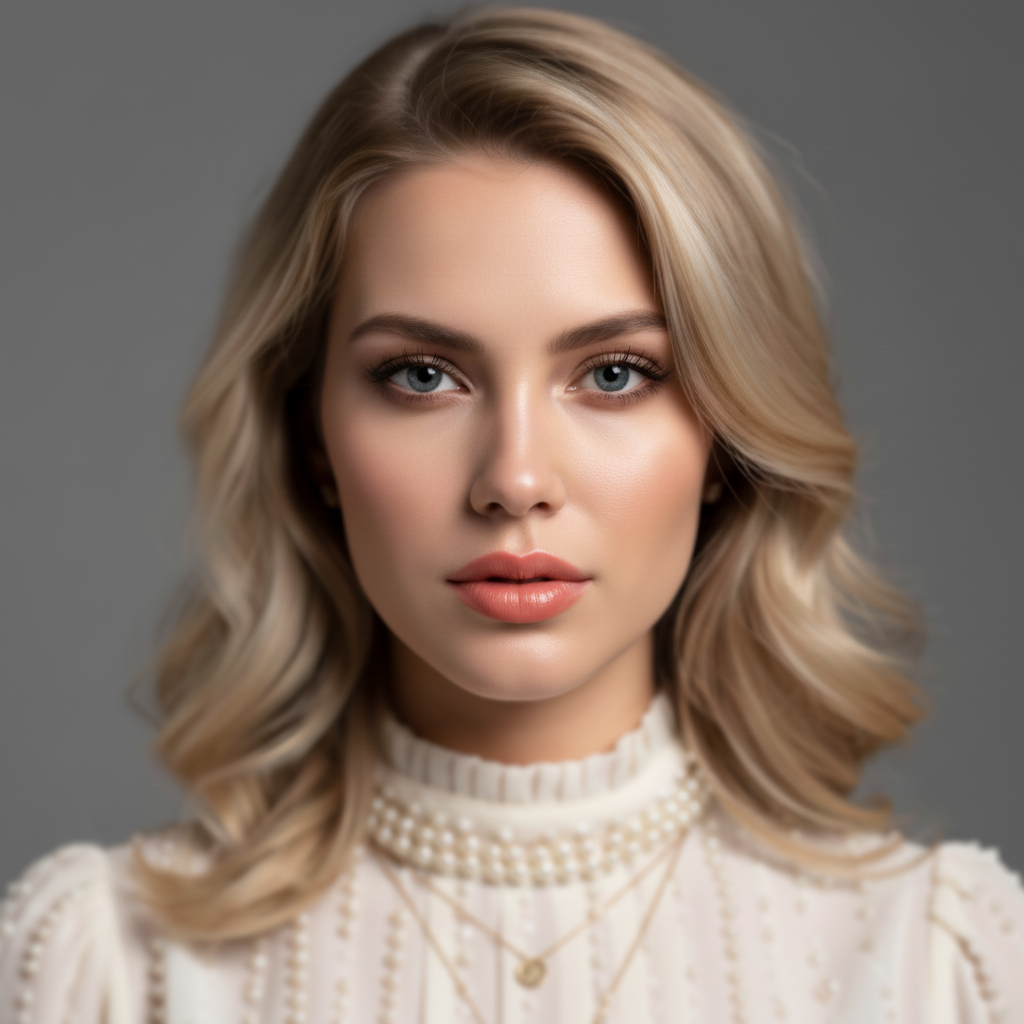
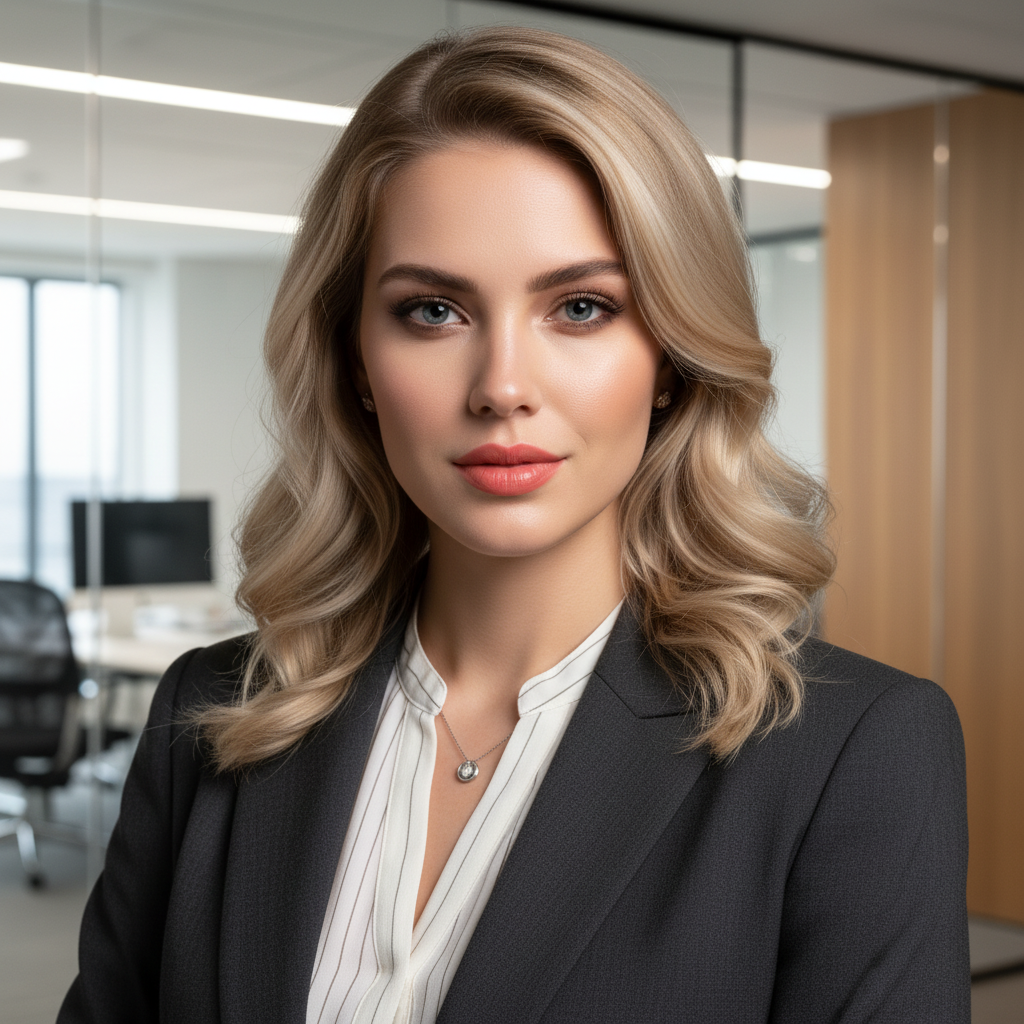
Our AI analyzes your uploaded photo and transforms it into different avatar styles while maintaining your facial features and identity. The AI uses advanced style transfer technology to apply various professional and artistic styles to your portrait.
What styles are available?
We offer 12+ styles including Professional, Business, ID Photo, Energetic, Casual, Sophisticated, Modern, Academic, Tech, Cartoon, Artistic, and 3D. Each style creates a unique look while preserving your recognizable features.
Do I need to upload a photo?
Yes, uploading a reference photo is required. The AI uses your photo to generate avatars that maintain your facial features and identity in different styles.
What image formats are supported?
We support PNG, JPG, and WebP formats. Images up to 10MB can be processed. Portrait photos with clear faces work best.
How long does avatar generation take?
Typically 15-45 seconds, depending on image size, selected style, and server load. More complex styles may take slightly longer.
Can I use generated avatars commercially?
Commercial usage rights are available with Basic and Pro plans. Free plan images include watermarks and cannot be used commercially.
AI Avatar Generator Tool
Generate professional avatars and headshots using AI technology. Transform your photos into multiple styles: professional, business, ID photo, casual, cartoon, artistic, and 3D. Upload your photo and choose from 12+ styles. Perfect for LinkedIn, social media, and professional profiles. Maintains facial features while applying style transformations. High-quality results in seconds. Our AI ensures avatars are centered, upper-body portraits with proper headshot framing.
How to Use Avatar Generator
Upload a portrait photo from your library or computer, select your preferred style from 12+ options, optionally add additional requirements, then click generate. Our AI will transform your photo into the selected avatar style while maintaining your facial features. The process typically takes 15-45 seconds.
Best Practices
- •Use clear, well-lit portrait photos with visible faces
- •Front-facing photos produce the best results
- •Choose styles that match your intended use (professional, casual, etc.)
- •Higher resolution photos allow for better style transformation
- •Try different styles to find the perfect avatar for your needs
Perfect For
Professional Profiles
Create professional headshots for LinkedIn, business cards, and professional profiles. Generate avatars that represent you professionally.
Social Media
Generate unique avatars for social media profiles. Stand out with custom-styled profile pictures that match your personality.
Creative Projects
Create avatars for creative projects, games, and digital content. Transform your photos into various artistic and stylized avatars.