AI Age Progression
See yourself at different ages. Predict your future appearance or travel back to your childhood.
No age progression result yet
Select an image, choose an age, and click "Generate Age Change"
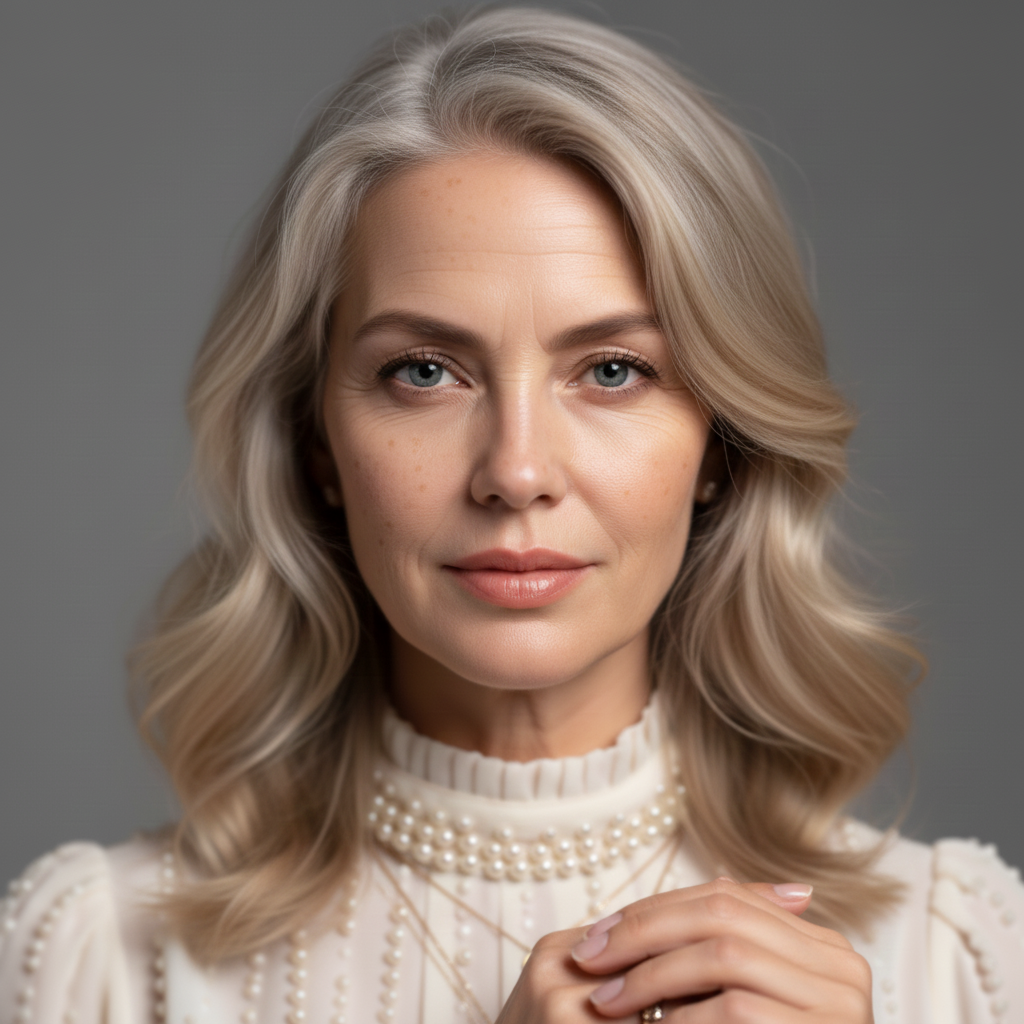
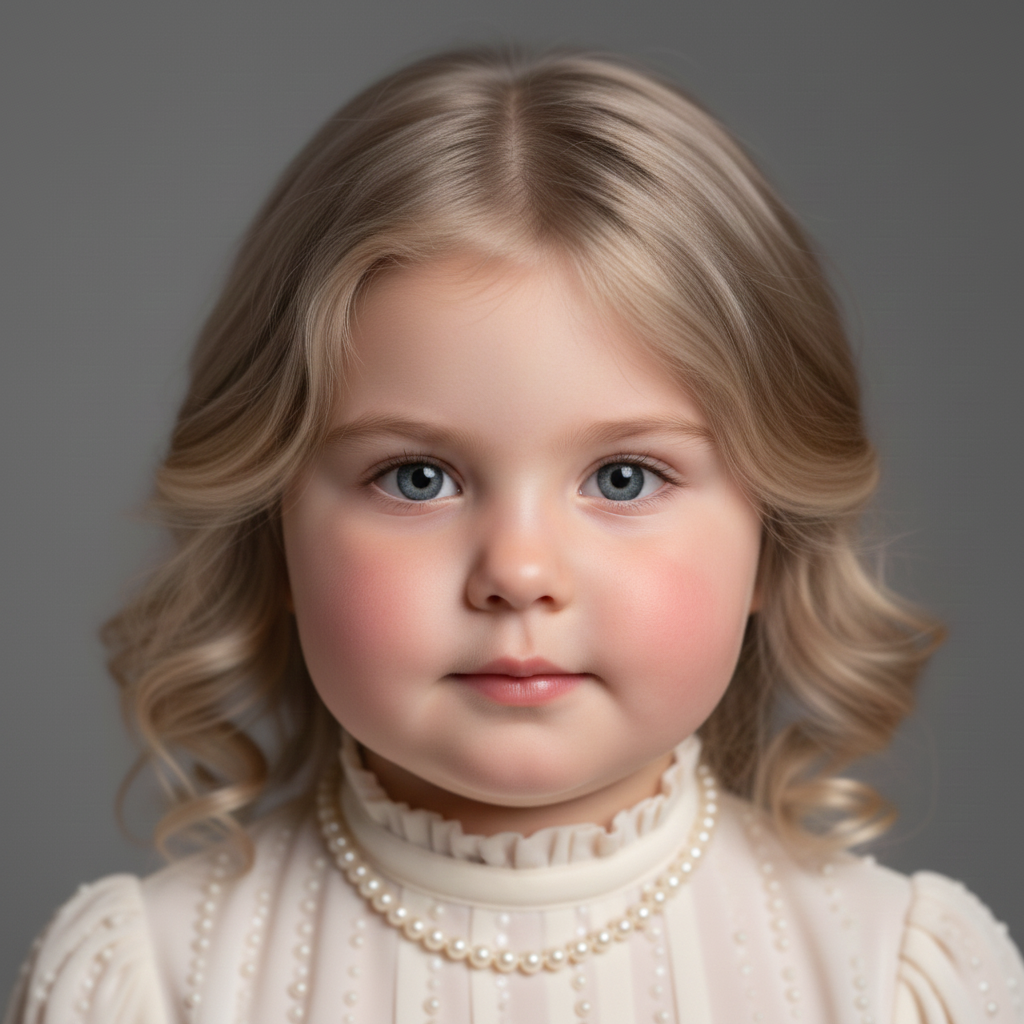
AI Age Progression Tool - See Yourself at Different Ages
Transform your photos to see how you would look at different ages using advanced AI technology. Our AI age progression tool can make you look older (10, 20, 30, or 50 years), younger (10, 20, or 30 years), or even take you back to your childhood. The AI uses sophisticated facial recognition and age prediction algorithms to realistically transform faces while maintaining recognizable features, eye color, and facial structure. Perfect for curiosity, planning, creative projects, or simply seeing how time might change your appearance. One-click processing with realistic and believable results.
How to Use AI Age Progression
Upload a clear portrait photo from your library or computer, select your desired age option (older, younger, or childhood), then click "Generate Age Change". Our AI will analyze your facial features and transform the image to show how you would look at the selected age. The process typically takes 10-30 seconds.
Best Practices
- •Use clear, front-facing portrait photos for best results
- •Ensure the face is clearly visible and well-lit
- •Portrait photos produce more accurate age transformations
- •The AI maintains your recognizable features and facial structure
- •Results are AI-generated estimates based on common aging patterns
Perfect For
Curiosity & Fun
See how you might look in the future or revisit your childhood appearance. Perfect for personal curiosity and entertainment.
Creative Projects
Use age progression for storytelling, character development, or creative visual projects. Transform characters for different time periods.
Family & Memories
Create age progression images for family members or see how children might look as adults. Preserve and share memories across generations.
Available Age Options
Look Older
Add 10, 20, 30, or 50 years to see your future appearance. Realistic aging effects including wrinkles, graying hair, and natural skin texture changes.
Look Younger
Remove 10, 20, or 30 years to see a younger version of yourself. Restore smooth skin, fuller features, and youthful appearance.
Back to Childhood
Transform to a realistic child version with age-appropriate features, rounder face, larger eyes, and natural child proportions.